
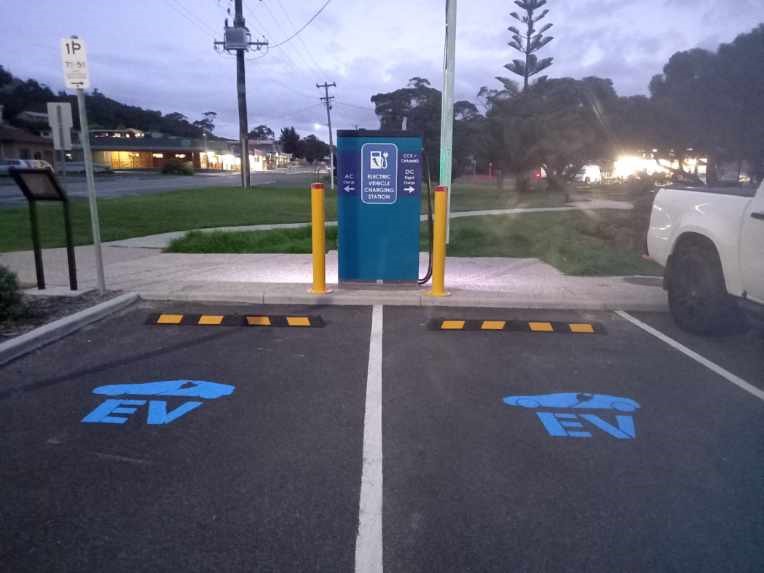
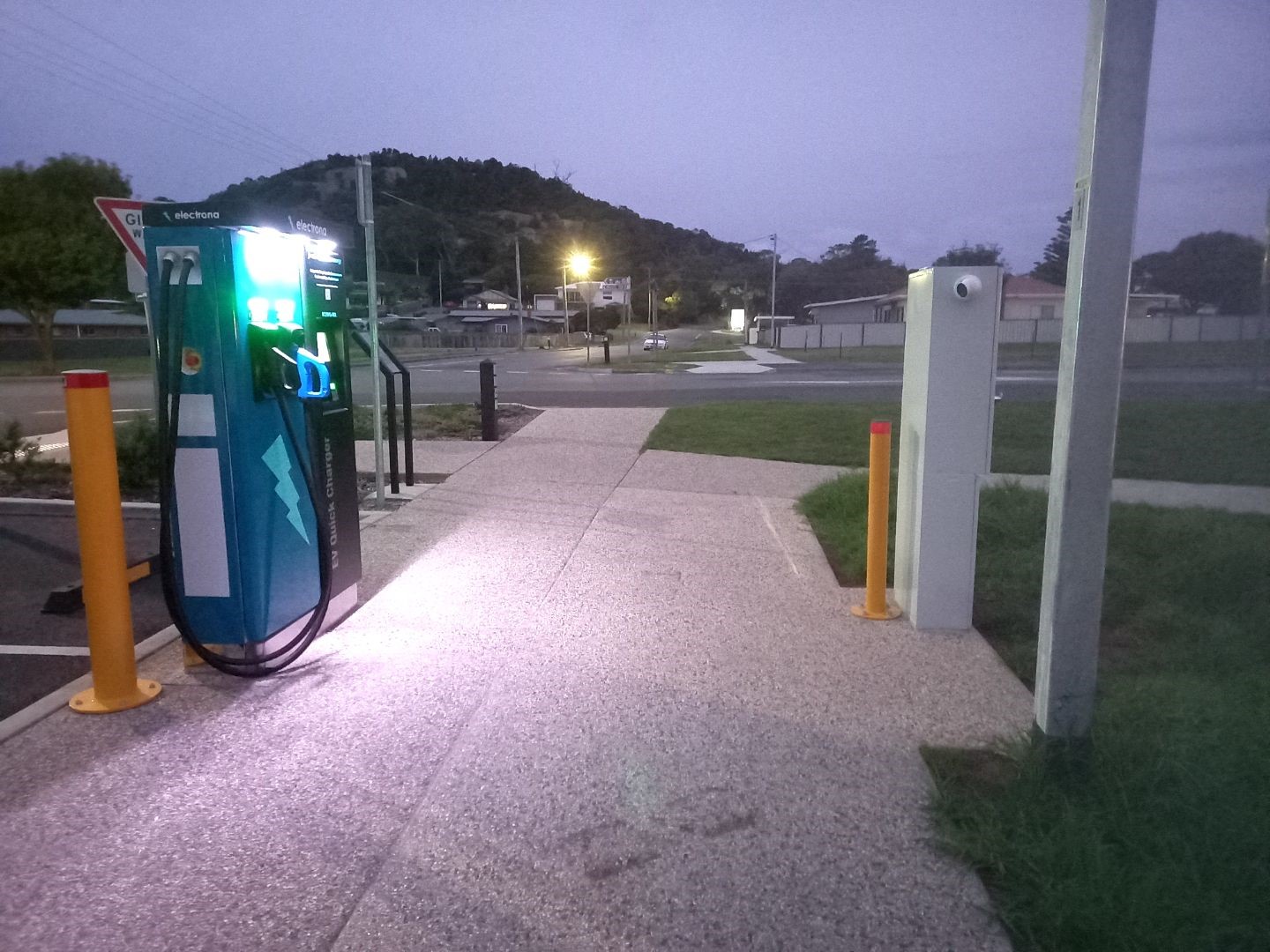
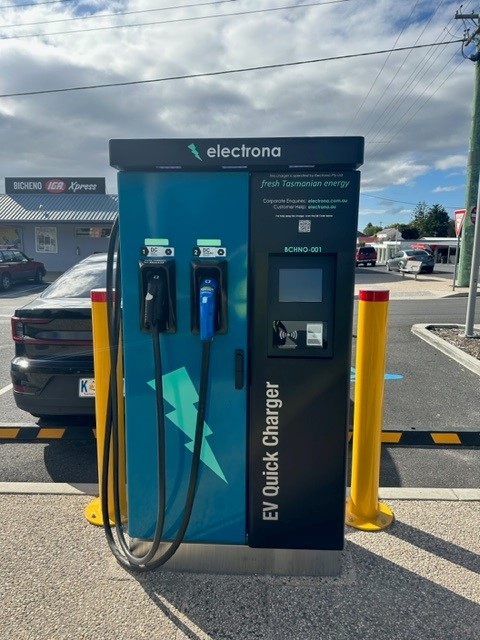
Unit safely used from footpath. Has onboard lighting for
night use.
Park car either front or rear first to suit car charge port
location.
DC |
|
 |
1 x CCS 2 Plug and Cable (50kw Max) |
 |
1 x CHAdeMO Plug and Cable (50kw Max) |
AC |
|
 |
1 x Type 2 Socket (BYO cable). Most cars lock cable to car charge socket when charging so your cable is safe! |
$50 pre-authorisation which settles to lower amount
used when your bank processes it.
Pricing subject to change.
DC |
|
CCS/CHAdeMO: $0.65/kWh DC charging limited to 2 hours. Idle fees of $0.50/minute will be billed after this time. (5 minute grace period) |
AC |
|
Type 2 Socket: $0.50/kWh. No time limit on AC charging. |
When you use this charger, a pre-authorisation amount of $50 will appear on your bank account statement. A short time following your charge session, this will disappear from your statement and the correct billing amount will be processed as payment for your charge session.
The time to settle varies depending on the bank that the customer uses and even the day or time of the charge session.
For example, if you charge your vehicle on Friday evening, the bank might not process the transaction until Monday and then your account might not reconcile correctly until the day after that. It sometimes takes even longer especially for accounts overseas.
Electrona has no control over the speed of this banking settlement. Rest assured, that we have never had to intervene in this process and in all cases the amounts will resolve correctly soon after, or (at worst) in a few days from the time of the charge session.
This Charger allows you to initiate a charge using the touch screen and your credit card without the need for an app. Alternatively you may use the Wevolt app (see next panel); or with and RFID card (see RFID panel).
A $50 hold will be placed on your card to pre-authorise payment. Actual amount settled will depend on kWh consumed per tariffs. (see Notes on Bank Transactions below)
If you have any difficulties initiating a charge with your credit card using the onboard terminal, or if you prefer, then the Wevolt app can be used as an alternative payment method.
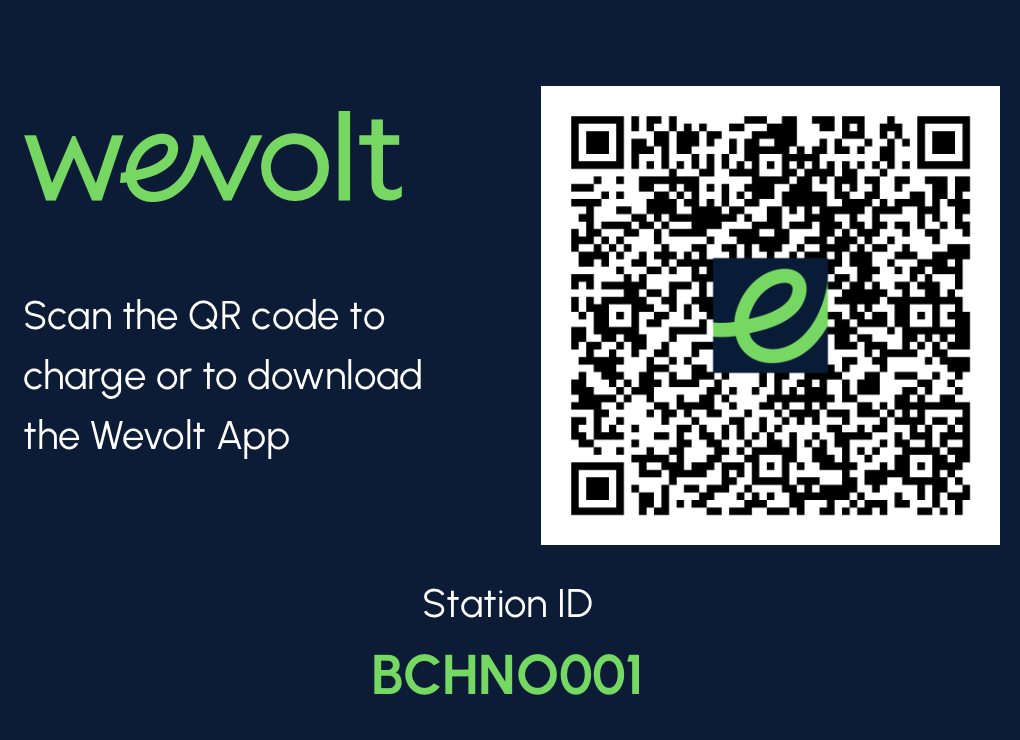
The Wevolt app is available from the App Store and Google Play.

If you used the Wevolt app to start the charge, then go
back to the Wevolt app to stop it again.
Note: If you find that the plug does not release from your
car (this sometimes happens with some older CHAdeMO Nissan
Leafs, then use your car remote control and press "UNLOCK"
then "LOCK" then "UNLOCK" again. This should release your
cable.
This charger has onboard RFID reader which can make starting and stopping a charge session faster and easier.
If you already own an RFID card you use with other chargers then you could register this into Wevolt app for use with this charger.
To register your card:
You should then be able to use your card to inititate and stop charging. Cards also available for purchase from Wevolt or others.
If you would like to check the availability of this or other Electrona EV charging sites, you can do so using either the Wevolt app or the Charge@Large app
|
Wevolt app
|
Charge@Large app
|

Public toilet amenities are nearby at multiple locations:
Some local food businesses have toilets.
In emergencies call: 000

To report crime call 1800 333 000

This page should provide all the information you need, however if you get stuck or need further help or assistance you may contact Wevolt or Electrona:
The charger is near:
You could go for a walk whilst charging or find a spot to enjoy the views of the water.
The charger is centrally located in the town with the following shops nearby:
This EV Charging Station was established and is operated by Electrona Pty Ltd, a Tasmanian business.

We supply, install and support a variety of of quality EV chargers suitable for home use to customers all over Tasmania.
We plan, design, build and operate commercial charging solutions for Australian businesses and multi-site owners.