
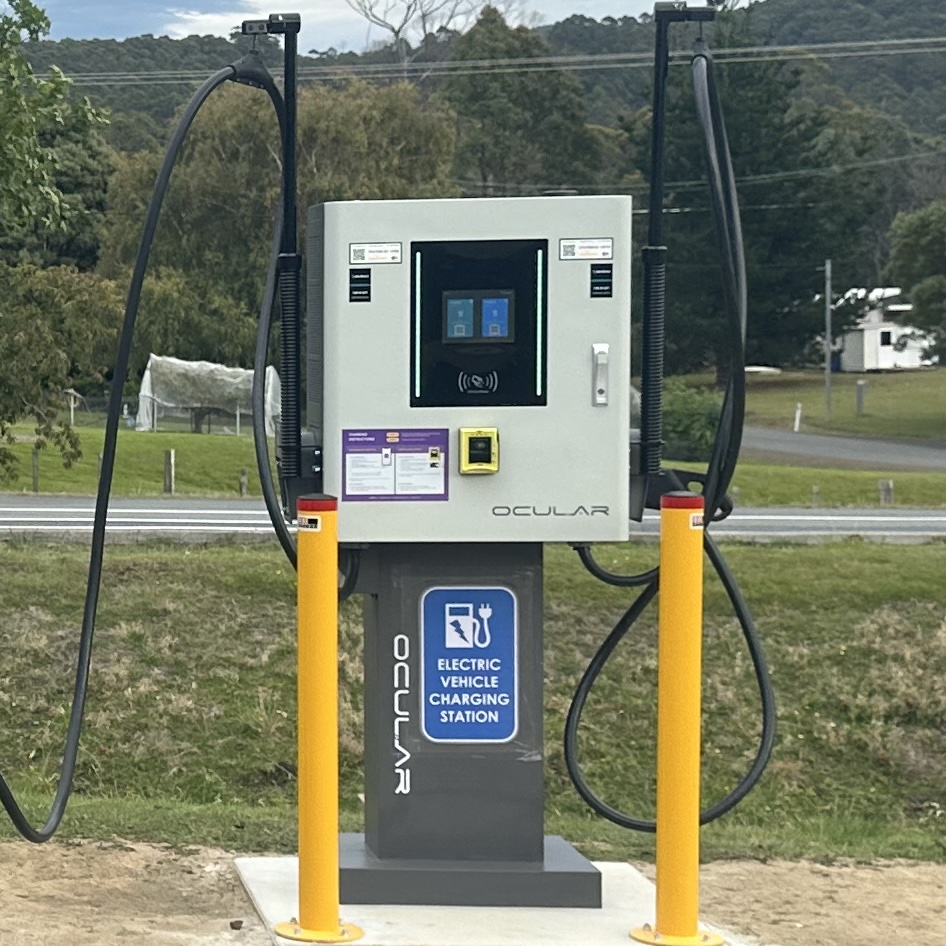
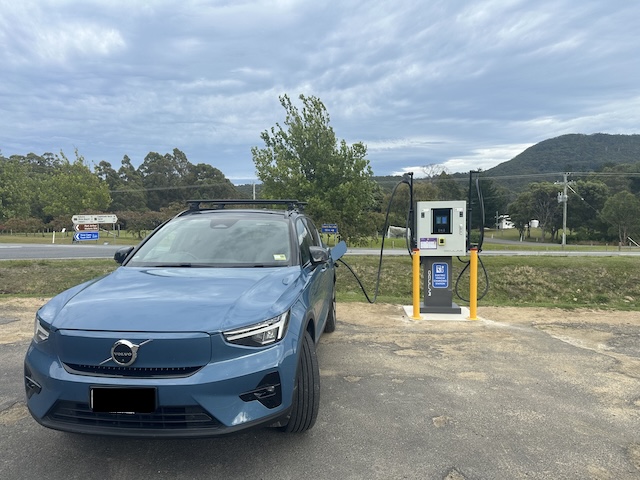
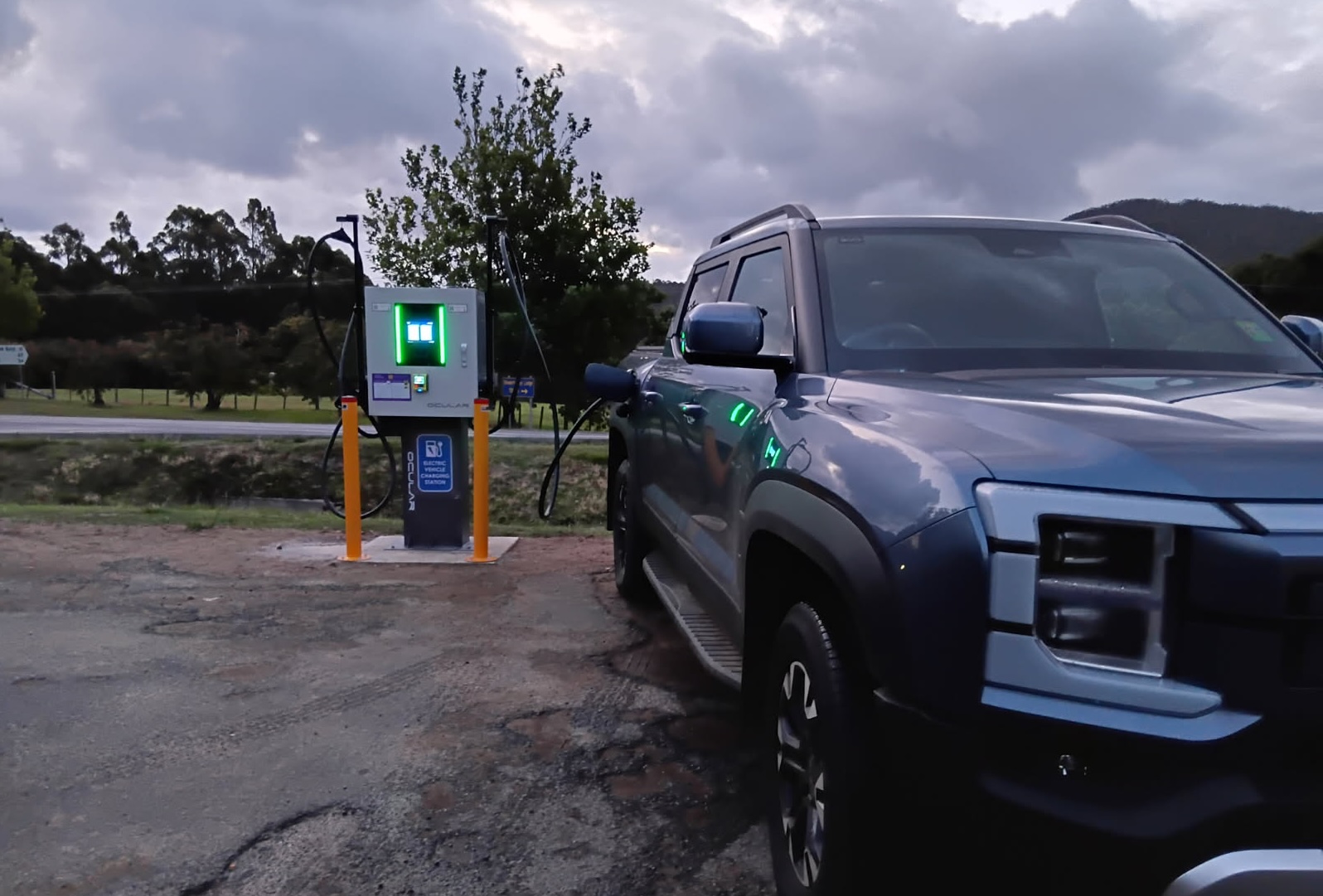
60kW fast DC Charger with dual plugs to allow 2 cars to charge at the same time!
Integrated credit card reader to allow app free payment!
 |
2 x CCS 2 Plug and Cable (60kw Max) |
|
Charging speed will reduce when 2 cars are charging to approximately 30kW each. Specific charging speed will depend on the car battery % charge. When your car battery % exceeds around 80% your car's battery management system may reduce the charging speed to protect your battery. |
Visa and Mastercard.
Pricing subject to change.
Energy Fee: $0.65 per kWh
Minimum cost: $0.50
Pre-authorisation amount: $10 (refunded)
Idle fees of $0.50/minute will be billed when charging session is complete. (10 minute grace period). This encourages users to free up the charger for others when they are done.
This Charger allows you to initiate a charge using your credit card without the need for an app. Alternatively you may use the Exploren app (see next panel); or with and RFID card (see RFID panel).
A $40 hold will be placed on your card to pre-authorise payment. Actual amount settled will depend on kWh consumed per tariffs.
This Charger allows you to initiate a charge using a Credit Card directly (see previous box), the Exploren app directly or via an RFID card that is registered in Exploren.
To inititate a charge session using the Exploren app:
To initiate using an RFID Card that has already been registered in the Exploren app, simply tap the card onto charger.
See "RFID Cards" section below for information on registering RFIDs.
You may prefer to use the Exploren app to use this charger. After you have installed Exploren onto your phone or device, register your details into the app. The Exploren app is available from the App Store and Google Play.


If you used a Credit card to start the session then you may stop the charge from your car or from the large touch screen on the charger.
If you used Exploren app to start the session:
If you used an RFID card then tap the RFID card again to stop.
This charger has onboard RFID reader which can make starting and stopping a charge session faster and easier.
If you already own an RFID card you use with other chargers then you could register this into Exploren app for use with this charger.
To register your card:
You should then be able to use your card to inititate and stop charging. Cards also available for purchase from within the Exploren app or other suppliers.
If you would like to check the availability of this or other Electrona EV charging sites, you can do so using either the Exploren app or the Charge@Large app
Exploren app 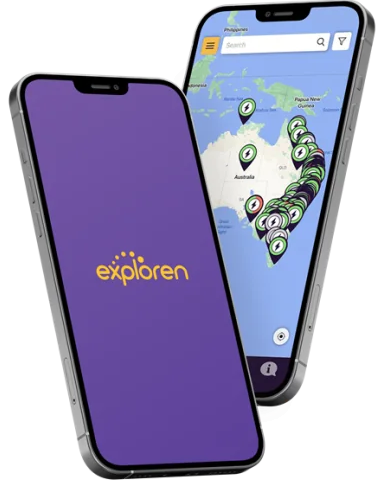
|
Charge@Large app

|
This page should provide all the information you need, however if you get stuck or need further help or assistance you may contact Exploren or Electrona:

Public Toilets are located at:
In emergencies call: 000

To report crime call 1800 333 000

Conveniently located in central Port Arthur. Food and drink is available at:
Stewarts Bay is a local favourite beach, a short stroll away. It is the perfect spot to unwind, have a picnic, or for children to play or to relax.
Please note that public toilets at nearby Stewarts beach have been permanently closed.
This EV Charging Station was established and is operated by Electrona Pty Ltd, a Tasmanian business.

We supply, install and support a variety of of quality EV chargers suitable for home use to customers all over Tasmania.
We plan, design, build and operate commercial charging solutions for Australian businesses and multi-site owners.